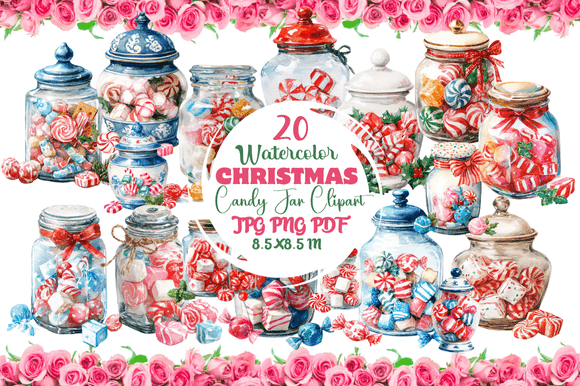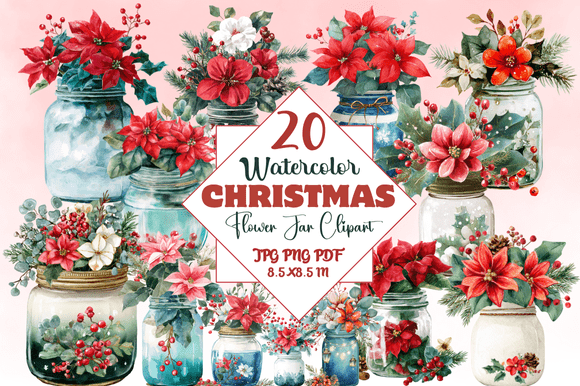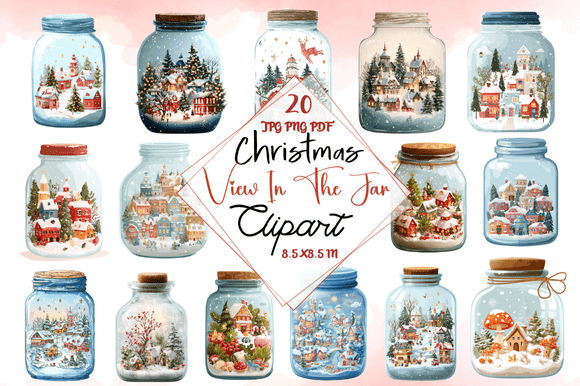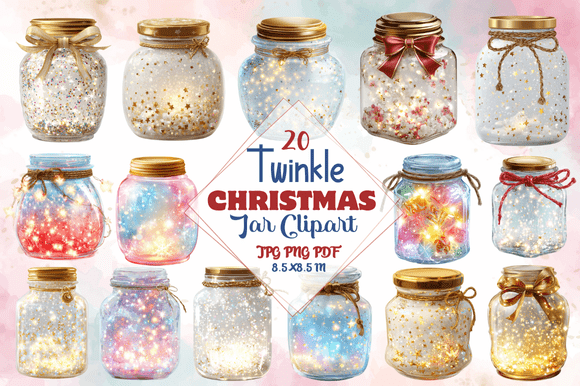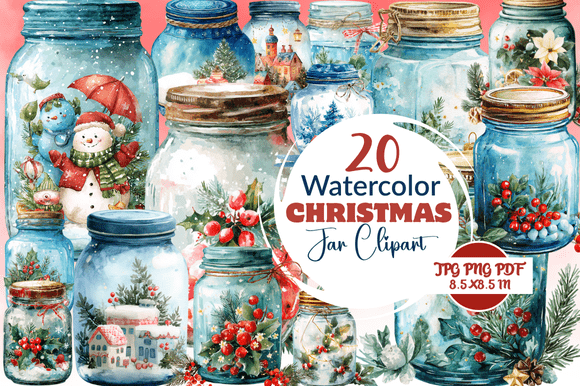
Watercolor Christmas Jar Clipart: Your Guide to Smart Selection and Stunning Design
The soft, textured look of a watercolor Christmas jar has become a favorite for holiday projects. It offers a handmade feel that standard clipart often lacks. Whether you are a small business owner preparing a seasonal collection, a blogger designing Pinterest pins, or a hobbyist creating family cards, understanding how to choose and apply this asset can mean the difference between a professional finish and a frustrating result.
Before You Buy: Avoiding High-Cost Selection Errors
It is tempting to pick a set based solely on the preview. However, what you see in the shop is not always what you get in terms of usability.
Checking Resolution and Format
Watercolor is a raster medium. It cannot be scaled indefinitely. A common mistake is purchasing a file labeled for web use (72 DPI) and trying to print it. The result is a pixelated, blurry jar. Always look for 300 DPI files in PNG format with a transparent background. This ensures your clipart looks crisp on a screen and in print. If the listing only offers JPG or low-resolution files, move on. It will save you time and disappointment.
Understanding Licensing Limits
This is where many creators get into trouble. A beautiful Watercolor Christmas Jar Clipart set might strictly be for personal use. If you use it for a product you sell on Etsy or in a client logo, you risk an infringement notice.
A practical example: You find the perfect jar with a tree and snow. You use it to design a series of best-selling mugs. The standard license caps commercial use at 200 units. You sold 2,000 units. You are now legally exposed.
Better habit: Read the license before downloading. If you plan to sell products, invest in an Extended License. It is a small cost for peace of mind.
Watching for Incomplete Masks
Some clipart comes with a white or solid background rather than a true transparent cutout. It can be nearly impossible to perfectly remove a white mask from watercolor brush strokes without damaging the edges. Only buy sets where the preview clearly shows the illustration on a checkered background, indicating proper transparency.
Using the Jar: Common Design Pitfalls
Once you have the right files, how you use them determines the quality of the final project.
Ignoring the "Glass" Factor
A jar is transparent. A common design mistake is treating the jar as a solid object. High-quality Watercolor Christmas Jar Clipart will have subtle highlights, shadows, and a sense of depth. If you cover the entire jar with thick elements, you lose the “jar” effect entirely. Allow the background color to show through the glass areas. This creates a realistic, layered look.
Mixing Inconsistent Art Styles
Using a loose, rustic watercolor jar next to a crisp, flat vector bow creates visual tension. Your audience may not know why it looks off, but they will sense it. Source all elements from the same designer or series. A cohesive style makes your work look intentional and polished.
Overcrowding the Composition
A single jar can hold a lot—trees, gifts, stars, snow. Yet, stuffing too much inside makes the design chaotic. The watercolor medium thrives on soft edges and negative space. Choose one or two focal elements. A simple tree with a star on top inside a beautifully painted jar is often more striking than a cluttered scene.
Optimizing Your Artwork for Different Platforms
Where you plan to use the clipart affects how you should prepare the file.
Digital Projects: Speed is Key
Watercolor textures create large file sizes. Uploading a full-resolution PNG file to a website or blog will slow down your page load times, hurting your SEO. Use compression tools like TinyPNG or Squoosh to reduce the file size while preserving the visual texture. For web use, 72 DPI is sufficient.
Print Projects: Quality is King
For home printing or commercial print-on-demand, keep the 300 DPI file. However, be cautious. Watercolor effects can look different on matte paper versus glossy cardstock. Request a physical proof or test print before committing to a large run. The translucency of the watercolor might behave differently on various textures.
A Quick Checklist for Confident Buying
Before you finalize your purchase of Watercolor Christmas Jar Clipart, run through this list:
- Resolution: Is it 300 DPI? Can I use it for my intended purpose (print vs. digital)?
- Format: Is it a PNG with a transparent background?
- License: Does the license cover my intended use (personal, commercial, extended)?
- Style: Does the aesthetic match my brand voice (rustic, elegant, whimsical)?
- Reviews: What are other buyers saying about the file quality and seller support?
Taking five minutes to verify these points prevents wasted money and hours of frustrating editing.
Making Watercolor Christmas Jar Clipart Work for You
This specific niche of clipart offers a beautiful, emotive way to elevate your holiday projects. By avoiding the common traps of low resolution, unclear licensing, and inconsistent design, you set yourself up for success. Whether you are designing for profit or pleasure, the right jar clipart, used thoughtfully, brings a touch of warmth and magic that resonates with viewers. Choose strategically, and let your creativity do the rest.